
Make.com vs Zapier for UK Businesses: Which Automation Platform Fits Your Operations
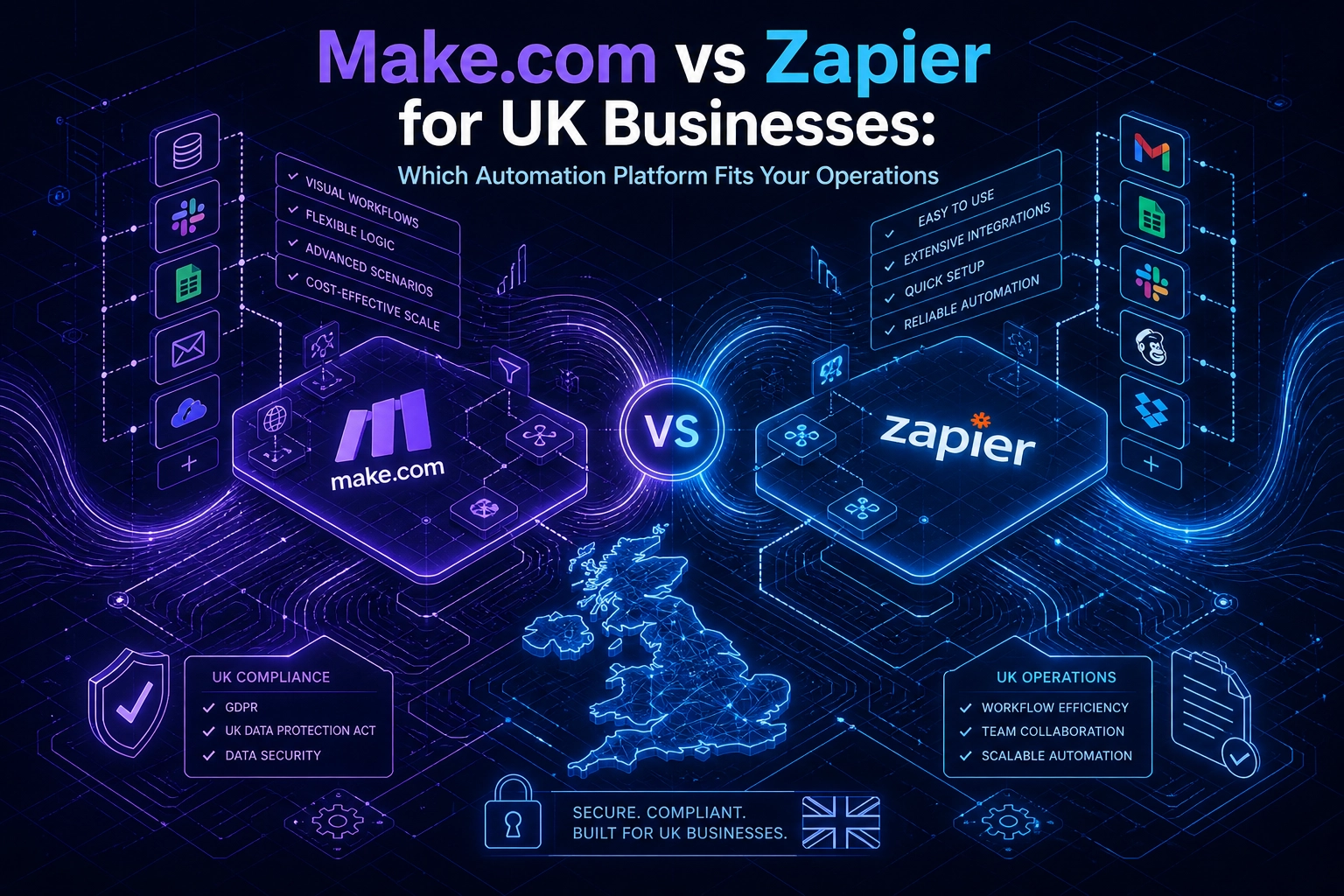
Choosing the wrong automation platform does not just slow your team down; it quietly drains budget, creates compliance exposure, and forces workarounds that compound over time. For UK businesses evaluating make automation solutions in 2025, the debate between Make.com and Zapier is less about feature lists and more about which philosophy fits how your operations actually run.
These two platforms are built on fundamentally different principles. Zapier operates as a linear pipe, ideal for fast deployment across straightforward workflows. Make.com functions as a visual logic engine, built for complex, branching scenarios where conditions shift and AI must reason before acting. Neither is universally superior, but one will almost certainly serve your business better than the other.
This guide cuts through the noise by framing the decision around real UK business concerns: GDPR data residency, GBP billing behaviour at scale, support availability across time zones, and compatibility with the tech stacks most British SMEs already run. You will come away with a clear, practical verdict matched to your specific business profile, not a neutral spec sheet that leaves the hard decision entirely to you.
Two Different Automation Philosophies
Before you evaluate pricing, integrations, or compliance posture, you need to understand what each platform actually is at its core, because the architectural difference shapes every decision that follows.
Zapier operates as a linear pipe. A trigger fires, actions execute in sequence, the workflow ends. That simplicity is genuinely useful: for predictable 3-5 step handoffs between applications with no branching required, Zapier deploys fast and reliably. A new lead lands in your CRM, a notification goes to Slack, a follow-up task gets created. Done. The model fits that job perfectly.
Make.com is built on a different premise entirely. Its canvas presents modules, routers, filters, and iterators as visual building blocks. You can branch a workflow in four directions simultaneously, apply conditional filters mid-flow, loop over arrays of records, and set retry logic on any failing node. None of that is possible in Zapier's native execution model without layering workarounds that create fragility at scale.
This architectural gap is not cosmetic. It determines whether your workflow automation tools can handle exception handling, parallel processing, and the kind of iterative AI decision loops that modern operations increasingly depend on. A workflow that evaluates an AI model's output, retries if confidence falls below a threshold, and routes the result to one of three downstream systems is a Make.com workflow by design. Forcing that logic into a linear sequence produces either a brittle chain of separate zaps or a compromise that strips out the conditional intelligence entirely.
Zapier has introduced agent-style overlay features intended to approximate autonomous task behaviour, bringing natural language task creation and some action-chaining capabilities. These are a meaningful addition, but they do not rewrite the underlying execution engine. The linear model beneath it remains, and that constraint resurfaces the moment your automation requires genuine multi-branch logic or iterative reasoning loops.
Where Make.com earns particular respect from practitioners is in its canvas-level debugging. The so-called "god mode" view lets operators inspect every data packet at every node during a test run. When you are troubleshooting a complex AI automation prompt chain where a malformed response three steps in causes a silent failure six steps later, this visibility is not a luxury; it is the difference between a two-minute fix and a two-hour investigation.
If you have questions about how these architectural differences translate to your specific tech stack, the Frequently Asked Questions section covers the most common scenarios we encounter with UK businesses.
How the Pricing Models Actually Behave at Scale
Architecture determines what your workflows can do; pricing determines what they will cost to run at volume. The two models here behave very differently once you move beyond simple three-step automations.
Zapier charges per task, per step. As covered earlier, task-per-step billing means a single email qualification workflow can top 50 tasks -- the implications compound at volume. At moderate send volumes, that arithmetic pushes monthly bills into territory that surprises most SME operators who budgeted on the assumption of one task per workflow.
Make.com uses a credit-based model where a complete scenario run consumes credits based on the number of operations processed. For multi-step or iterative workflows, particularly those involving AI automation loops where the same data cycles through several evaluation stages, this structure is materially cheaper per meaningful unit of work completed.
The gap becomes stark when you scale AI agents. Running agent-style workflows on Zapier at meaningful business volume can reach $5,000 or more per month. Make.com's credit pricing at equivalent throughput typically runs at a fraction of that figure. If your automation strategy includes intelligent document processing, multi-step lead enrichment, or any workflow where an LLM call sits inside a loop, the cost model is not a minor consideration.
One factor both platforms share is USD billing. At the time of writing, both platforms bill in USD on standard plans -- confirm current billing currency options directly with each vendor before budgeting, as this can change. For UK SMEs forecasting in sterling, that introduces real exchange rate exposure; a plan that looks affordable at one rate can quietly cost more during periods of pound weakness. Build a currency buffer into your automation budget and review it quarterly.
The practical rule: size your plan on peak load, not average load. Zapier's per-task model penalises traffic spikes directly; a campaign launch or seasonal surge that doubles your workflow volume doubles your bill. Make.com's bulk credit purchases absorb volume surges more predictably, because credits are pre-purchased rather than metered in real time.
If you have questions about which cost model fits your specific workflow volumes, the Frequently Asked Questions section covers common scenarios in practical terms.
GDPR Data Residency and UK Compliance Considerations
Cost exposure is one dimension of the platform decision; data compliance is another that carries legal weight rather than just budget risk.
Workflow automation platforms of this type commonly process data via US-based infrastructure by default; verify each vendor's current data routing and residency documentation before deploying PII-touching workflows. For UK businesses operating under UK GDPR and the Data Protection Act 2018, that means any workflow processing personal data flows to a third-country processor. Before deploying either tool for PII-touching workflows, you must verify the transfer is covered by the UK International Data Transfer Agreement (IDTA) or an equivalent adequacy mechanism. Signing a vendor DPA satisfies the contractual layer of UK GDPR compliance; it does not change where data physically travels, which must be verified separately with the vendor.
Where Each Platform Stands on Residency
Make.com documents data residency options for enterprise customers; confirm current availability and scope directly with the vendor. For UK businesses that also operate under EU GDPR, this may partially address localisation requirements, but it does not constitute UK data residency and is unavailable on standard SME plans, so most small and mid-sized businesses using Make.com should verify current infrastructure routing before deployment.
Signing a DPA does not reroute your data; it documents the legal framework governing the transfer. That distinction matters if you are ever required to demonstrate compliance to the ICO.
Regulated Sectors: A Higher Bar
NHS supply chain contractors, FCA-regulated fintechs, and any business handling special-category personal data face stricter obligations. For these organisations, a written DPA from the vendor is a minimum starting point, not a finish line. You must also conduct a Transfer Impact Assessment, referred to in ICO guidance as a "data protection test", before any workflow automation tools process customer PII at scale. Neither platform provides this assessment on your behalf.
Practical Guidance by Workflow Type
The compliance burden scales with data sensitivity. Workflows handling only non-personal operational data, such as inventory counts, internal ticket routing, or anonymised analytics, carry negligible residency risk. Workflows that touch contact records, payment data, or health information require legal review of the vendor DPA before go-live, regardless of which platform you select. If that review cannot be completed in time, anonymising data at the trigger point before it enters the automation layer is a practical interim control.
Integration Depth Against Typical UK SME Tech Stacks
Compliance considerations determine whether a platform is permissible for your workflows; integration depth determines whether it is actually useful for them. The two questions are distinct, and for most UK SMEs the second is where practical limits are hit first.
Zapier's library of 9,000+ app integrations is genuinely broad, but breadth and depth are not the same thing. Many UK-specific accounting and finance tools, including Xero, Sage, and Dext, have Zapier connectors that expose only a handful of triggers and actions. Automating a purchase approval chain or syncing invoice status across systems often requires workarounds that add fragility to the workflow rather than removing it.
Make.com's 3,000+ connections are fewer by count, but the per-app action sets tend to be more complete. More importantly, its HTTP module lets you call any REST API or webhook endpoint directly, without waiting for an official connector to be built (verify current HTTP/webhook module availability in Make.com documentation). For UK businesses running bespoke ERP systems or legacy finance platforms that will never appear in any connector library, this capability changes what is architecturally possible.
CRM and Lead Management
For SMEs running HubSpot or Pipedrive, both platforms provide solid native connectors. The meaningful difference emerges when lead scoring or segmentation logic is involved. Make.com's scenario architecture supports branching and parallel path execution within a single workflow; Zapier's sequential model requires separate Zaps per branch, which adds maintenance overhead as logic grows.
E-commerce Order Routing
Shopify, WooCommerce, and Magento are common across UK online retail. When an order is placed, downstream actions typically need to update inventory, notify fulfilment, trigger a customer email, and log revenue data. Make.com's scenario architecture supports branching and parallel path execution within a single workflow; Zapier's sequential model requires separate Zaps per branch, which adds maintenance overhead as logic grows.
Microsoft 365 and Mid-Market Environments
Microsoft 365 is the dominant productivity stack in UK mid-market businesses. Both platforms connect to Teams, Outlook, and SharePoint. Where they diverge is in multi-department notification workflows; routing an approval request across finance, operations, and senior management requires branching logic that Make.com represents visually in a single canvas. The Zapier equivalent requires separate Zaps per branch, creating maintenance overhead that compounds as the business scales.
AI Automation Capabilities: Where Each Platform Stands
Integration depth shapes what you can connect; AI capability shapes what those connections can do. This is where the two platforms diverge most sharply.
Make.com's Maia is a conversational AI automation builder that translates plain-language workflow descriptions into fully structured scenarios on the canvas. An operator can describe a multi-branch lead enrichment process in natural language and Maia generates the module architecture, reducing build time substantially without requiring technical knowledge of API structures or routing logic.
That matters because Make.com's agentic automation architecture is built for workflows where AI must reason iteratively: evaluating an LLM output, retrying on a poor response, branching conditionally based on what the model returns. Genuine ai automation use cases, such as intelligent document processing or multi-step lead qualification, require exactly this kind of loop. The modular canvas supports it natively.
Zapier's AI features operate at a shallower level. AI-powered Zap suggestions accelerate setup for simple workflows, and its agent-style overlay introduces natural language task creation and some action-chaining, but neither changes the underlying linear execution model. When a workflow requires the AI to evaluate its own output and re-route accordingly, the sequential architecture hits a structural ceiling that the overlay cannot remove.
The cost implications are direct for UK teams building AI-powered customer communication workflows: automated triage, smart email routing, or AI-generated response drafts. As covered earlier, task-per-step billing means a single email qualification workflow can top 50 tasks -- at high volume, those costs accumulate fast. Make.com's credit-based model can be materially cheaper per unit of meaningful work for multi-step AI workflows -- consult current Make.com pricing documentation for credit consumption specifics. For teams building on Microsoft 365 infrastructure, the Built on Microsoft 365 and AI approach illustrates how wrapping AI calls inside robust workflow logic, rather than treating them as isolated actions, controls both cost and failure risk.
Both platforms have documented integrations with major LLM providers -- verify current connector availability in each platform's app library. The meaningful difference is not which models they connect to; it is the infrastructure surrounding each API call. Retry logic, conditional branching on model response, and structured error recovery are where Make.com holds a material architectural advantage for any business treating AI as a core operational capability rather than a convenience feature.
Support Availability, SLAs, and Implementation Realities for UK Teams
Beyond AI capability, the practical reality of keeping automations running matters just as much as what they can do.
Both platforms operate support primarily on US business hours. A critical workflow failure at 9am GMT lands at 4am EST, meaning UK teams on standard plans face a wait of several hours before a support agent is available. For businesses where automation handles order processing, client onboarding, or compliance-related notifications, that delay has a direct operational cost. For FCA-regulated firms or NHS supply chain contractors, where workflow downtime carries contractual or regulatory weight, vendor response windows in a foreign timezone create a structural risk that vendor documentation rarely acknowledges.
Zapier's support tiers offer tiered response commitments across plan levels, with enterprise customers receiving faster targets and dedicated account management. Make.com's enterprise tier offers dedicated account management at a comparable level. Both enterprise tiers are priced for large organisations and neither represents a realistic option for the typical UK SME.
Critically, neither platform provides UK-based support staff as standard. The practical solution is a UK-based automation partner. A consultant with direct knowledge of your specific stack can diagnose and resolve failures during UK business hours without queuing behind a US-timezone support desk. If you are evaluating ongoing support arrangements, reviewing a structured automation support and implementation package gives a clearer picture of what that kind of coverage looks like in practice.
Implementation timelines also differ materially between platforms. Straightforward Zapier workflows can go live within hours. A Make.com scenario incorporating branching logic, error handling, custom API connections, and proper retry configuration requires significantly more build and test time before it is production-ready -- plan accordingly and confirm scope with whoever is building it. Neither timeline is inherently better; they reflect the complexity ceiling each platform is designed to handle. Choosing a platform without accounting for that build time, and the corresponding resource requirement, is where initial deployment estimates consistently fall short.
Clear Verdict by Business Profile: Which Platform Should You Choose
With implementation realities now clear, the decision comes down to your workflow profile, stack, and compliance obligations.
Choose Zapier if your team needs automation live within days, your workflows follow predictable linear paths of three to five steps, and your monthly task volume sits comfortably within plan limits. It is the faster route to make automation work without engineering investment, provided that simplicity holds.
Choose Make.com if your workflows require conditional branching, parallel processing, or iterative AI loops. If you are deploying ai automation tools at any meaningful scale, or need cost-per-operation to stay manageable as complexity grows, Make.com's architecture and credit model are structurally better suited to the job.
For Regulated-Sector UK Businesses
FCA-regulated firms, NHS-adjacent organisations, and legal services businesses should treat neither platform as a compliance solution. GDPR Article 28 requires a written contract between controller and processor before any personal data flows through a third-party system. Obtain a signed DPA from whichever vendor you choose, and seriously evaluate whether sensitive data fields can be anonymised at the trigger point so they never enter the cloud workflow at all.
For UK SMEs on Finance-Heavy Stacks
If Xero, Sage, HubSpot, or Pipedrive sits at the core of your operations, Make.com is the stronger foundation. Its HTTP module connects to any REST or webhook-based tool without waiting for an official connector, and its deeper per-app action sets handle the conditional logic that finance and CRM workflows typically require. Zapier's connector library covers the basics but creates friction as automation requirements grow.
For Teams Without Internal Automation Expertise
Zapier's speed advantage over Make.com narrows considerably once workflows exceed five steps. Teams that build on Zapier for simplicity sometimes find themselves rebuilding on a more capable platform as requirements outgrow the linear model. Investing in a structured Make.com build from the outset, or engaging a specialist to assess what automation can genuinely deliver for your business, typically produces better ROI than iterating through an architecture that hits its ceiling under real operational load.
The right platform is the one that matches your complexity today and does not obstruct your growth tomorrow.
When Neither Platform Alone Is the Right Answer
Even when you have identified the right platform for your primary workflows, a subset of UK businesses will find that platform boundaries constrain them in ways that no vendor comparison fully addresses.
High-volume, low-complexity workloads expose the first constraint. Tens of thousands of simple record syncs per day, such as pushing transactional data from a point-of-sale system into a data warehouse, can push monthly costs on either platform into uncomfortable territory. At this tier, self-hostable open-source automation tools become more cost-effective, provided your business has the engineering resource to deploy and maintain them. If it does, offloading high-frequency, low-logic jobs to a self-hosted layer reduces platform spend significantly.
Hybrid architectures solve the middle ground. A growing number of UK SMEs are settling on a layered approach: one platform handles lightweight, high-frequency triggers; another manages complex multi-branch processing downstream. Webhooks connect the layers cleanly. In practice, this might mean simple inbound event capture handled by one tool, with the substantive conditional logic, error handling, and CRM updates executed by a more capable automation layer receiving the payload. Neither platform needs to do everything; each does what it does best.
Bespoke requirements expose the deeper limit. Businesses running proprietary databases, custom ERP systems, or multi-tenant CRM logic frequently discover that off-the-shelf workflow automation tools cannot map cleanly to their data models without workarounds. Those workarounds accumulate technical debt. When the workflow requires logic that no native module exposes, middleware becomes necessary, and at that point the platform is no longer doing the work; custom code is.
Custom-built automation removes those constraints entirely. Solutions built directly against the same underlying APIs can implement logic that no off-the-shelf platform surfaces natively. Critically, they also return control over data residency and execution environment to the business, which matters directly for UK GDPR compliance and for organisations in regulated sectors where cloud routing decisions carry legal weight.
The practical reframe for any UK business hitting these limits: the question is not which platform to choose, but which parts of the workflow benefit from platform management and which require purpose-built logic. Mapping that boundary clearly, before committing to a single-tool architecture, prevents the expensive rebuilds that follow from discovering it later.
Making the Right Call for Your UK Business
Whether you settle on a single platform, a hybrid architecture, or a custom-built layer, the underlying decision still comes down to an honest assessment of where your workflows actually sit on the complexity spectrum.
The platform fit analysis above applies here: Zapier for speed and simplicity, Make.com for branching complexity and AI depth. UK-specific factors require active assessment before you commit. GDPR compliance and data transfer obligations under the UK IDTA apply regardless of which platform you choose. At the time of writing, both platforms bill in USD on standard plans -- confirm current billing currency options directly with each vendor before budgeting, as this can change. Integration depth against your specific tech stack, and the reality of US-timezone support when something breaks at 9am GMT, are not deal-breakers on their own but they should be weighted, not ignored.
The most expensive mistake in this decision is choosing based on ease of sign-up rather than long-term architectural fit. Migrating complex automations between platforms is not a weekend project; it involves rebuilding logic, re-mapping data flows, and re-testing every exception path. Getting the initial selection right costs nothing extra. Getting it wrong costs significantly more than the time saved by picking the faster onboarding experience.
If you are genuinely uncertain where your workflows sit, a structured automation audit is the most direct route to a grounded recommendation. Vendor documentation and comparison guides, including this one, reflect general patterns. An experienced consultant who examines your actual operations, your data flows, your stack, and your compliance obligations will give you a platform recommendation based on evidence rather than positioning. Need a similar system? That is the kind of outcome a proper scoping conversation is designed to produce.
Conclusion
Choosing between Make.com and Zapier is not a question of which platform is better. It is a question of which platform fits your specific workflows, budget trajectory, compliance requirements, and technical resources.
As covered in the verdict section, the choice turns on complexity, cost trajectory, and compliance obligations -- not on which platform has the longer feature list.
Before committing, audit your actual workflows rather than your assumptions about them. The right decision is built on evidence from your operations, not on platform marketing.
Ready to identify which tool genuinely fits your business? Book a scoping call and get a recommendation grounded in your specific context, not general comparisons.